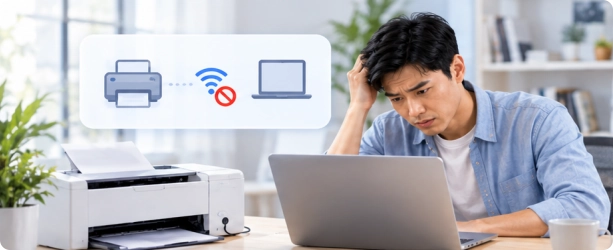
Printer Not Recognized
Windows cannot detect or connect to your printer.
 Fionn Printer Driver
 helps detect missing or outdated printer drivers, find compatible versions, and simplify driver installation and updates on Windows.

Detect Missing & Outdated Drivers
Find Compatible Driver Versions
Install & Update with Ease

DownloadWindows 11/10


Find, install, update, back up, and restore supported printer drivers with simple tools.

Scan your system to identify missing or outdated printer drivers.
Find suitable driver versions based on your printer and Windows system.
Download and install supported drivers or update existing drivers.

Back up supported drivers before making changes and restore them when needed.
Printer driver issues can affect device detection, installation, and printing.
Windows cannot detect or connect to your printer.
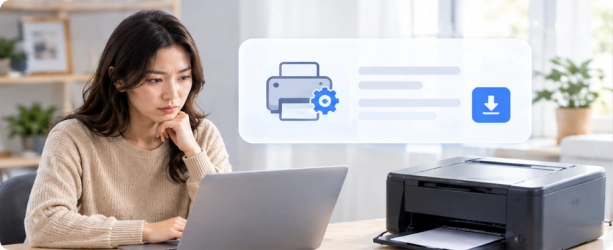
The required printer driver is missing or unavailable.
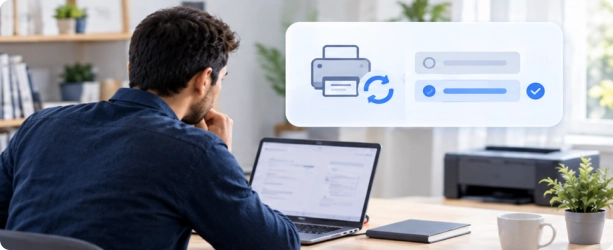
Your current driver may be outdated or incompatible with your system.
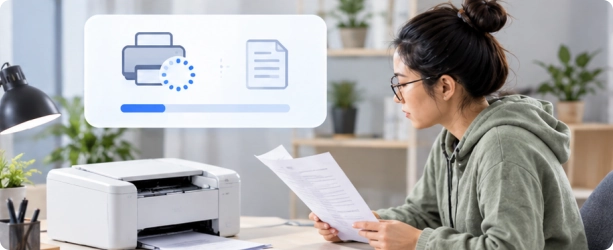
Driver or print spooler issues may interrupt printing.
Check your printer drivers and update supported versions in three simple steps.
Check connected printers and installed driver information.
Review detected printer information and available compatible driver versions.
Choose a supported driver and follow the installation or update process.
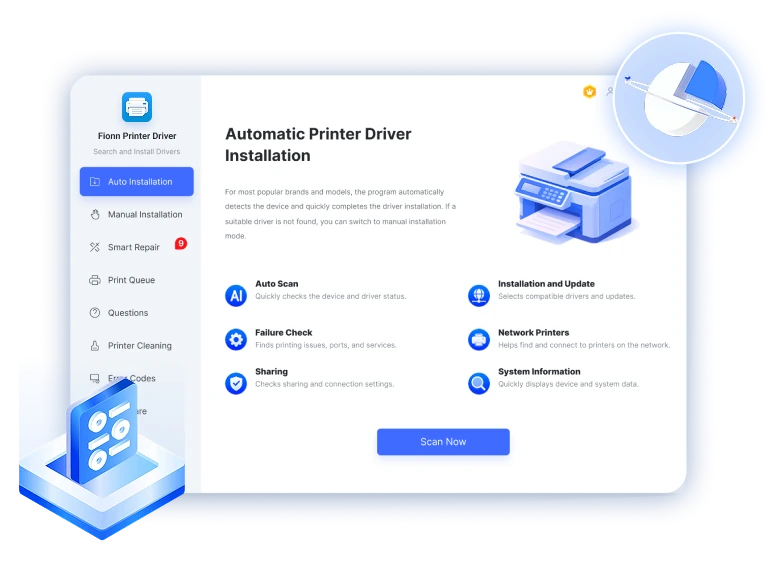
Fionn Printer Driver supports compatible printer models from many widely used brands on Windows. Compatibility varies by printer model and system.










Download Fionn Printer Driver to check your drivers, find compatible versions, and simplify installation and updates.
 Download Fionn Printer Driver
 Fionn
Copyright © 2025 Wonderful Apps Limited.
 English
 Start for Free